Your Mac. In perfect flow.

NotchFlow turns unused notch space into a control center — music, files, calendar, notifications, and more, right where you need them.

Built for macOS with love for detail
Native look
Light and fast
Privacy
Fully configurable
Beauty in detail

Everything you need. Exactly where you need it.

Music, calendar, shelf, timers, notes, clipboard, agents, mirror, and notifications — all in one island.

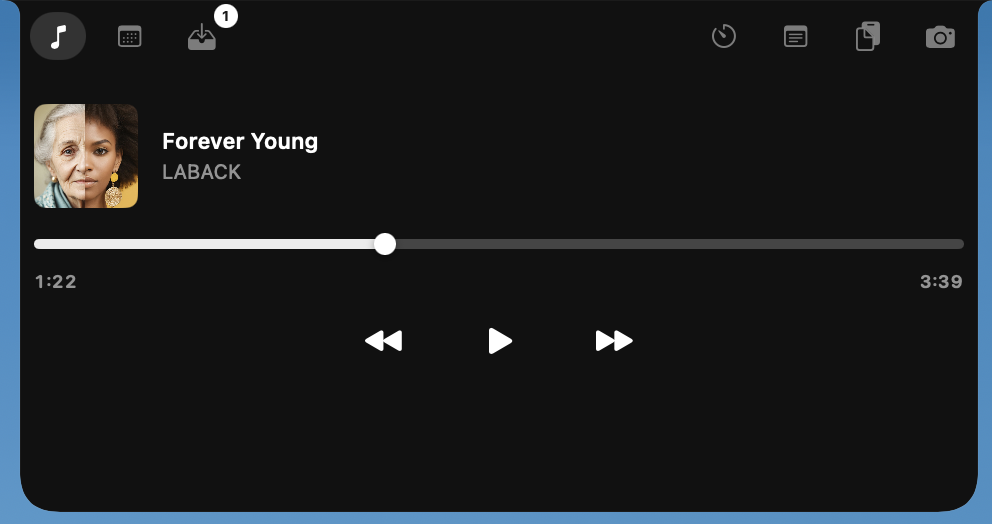
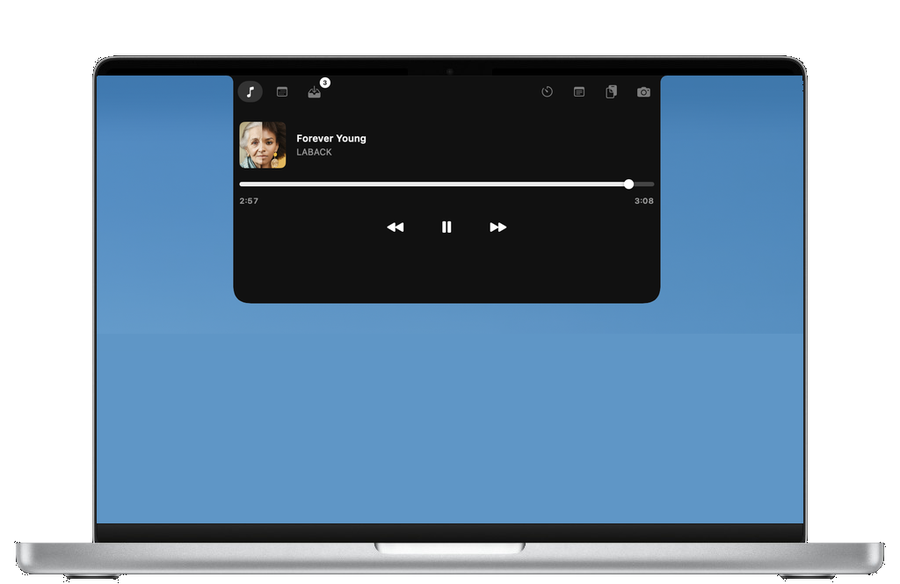
Control your music.

Forever Young LABACK

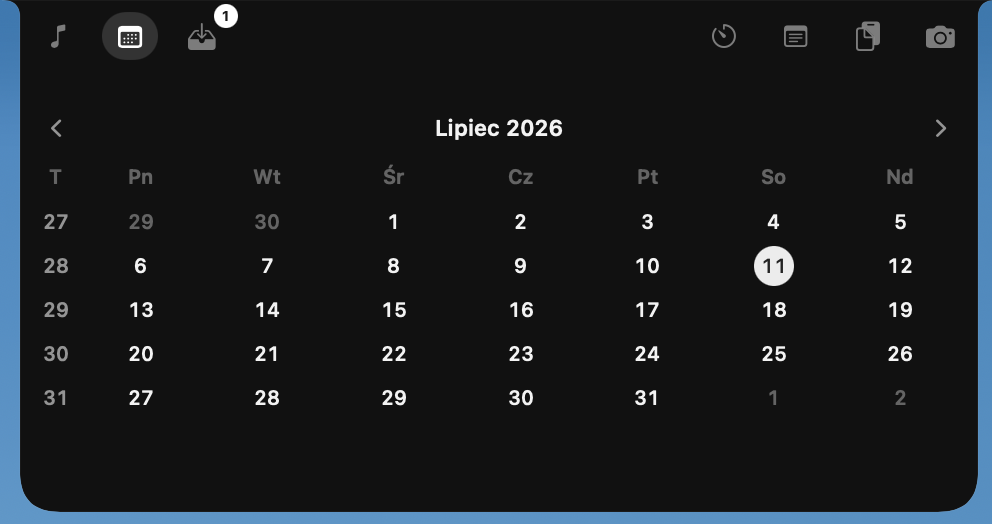
Calendar.

MTWTFSS 293012345 6789101112 13141516171819

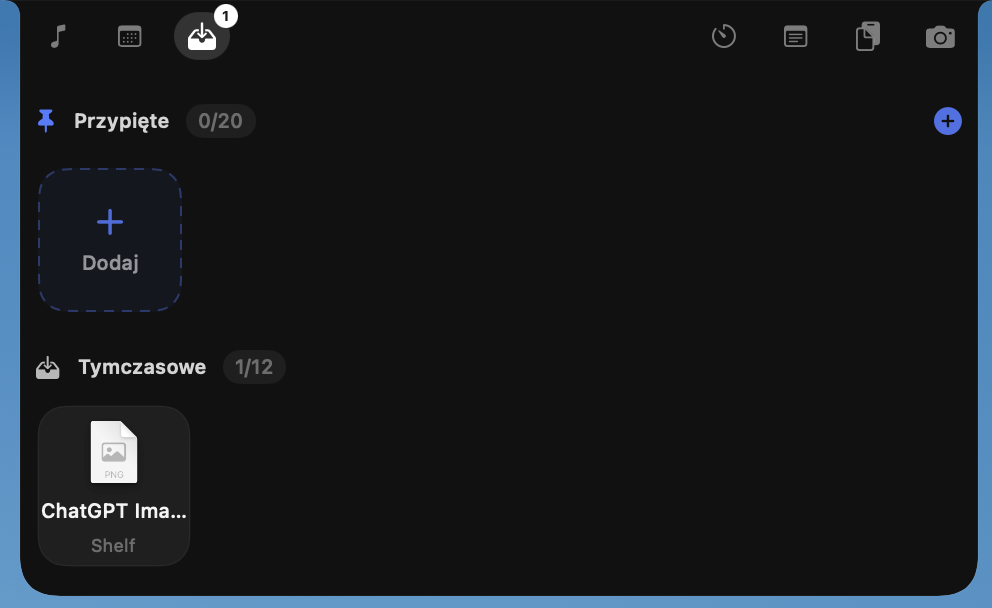
File shelf.

Pinned 3/20
Drop files onto the island

Notifications.

Chosen apps appear in the notch. Optional: hide the message body and close the system banner.

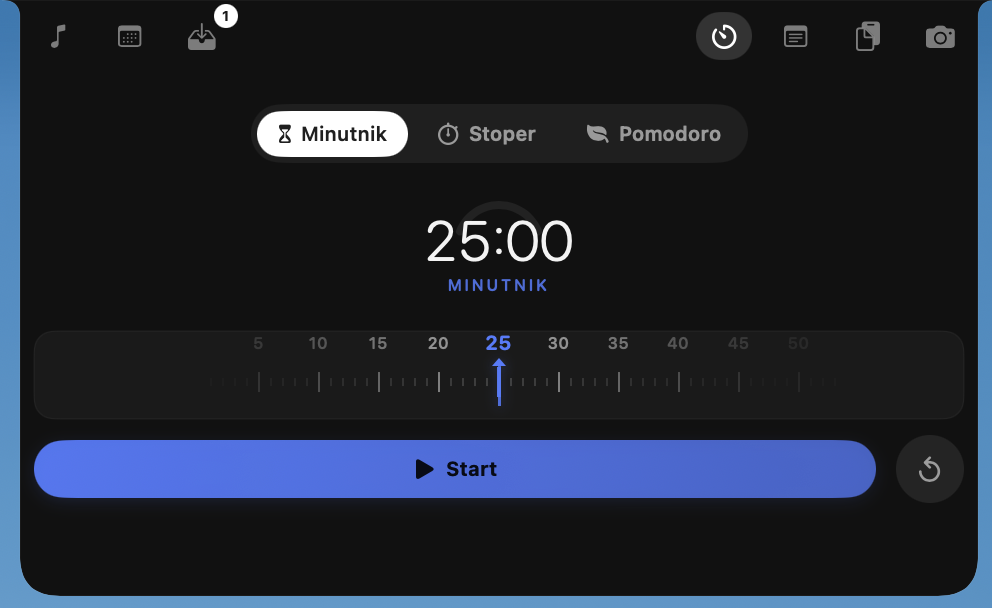
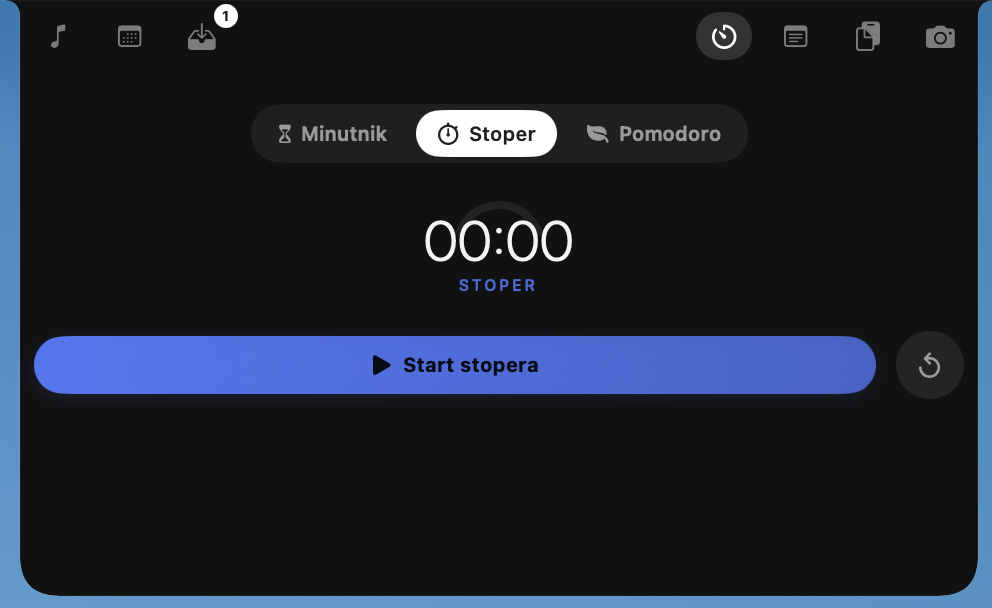
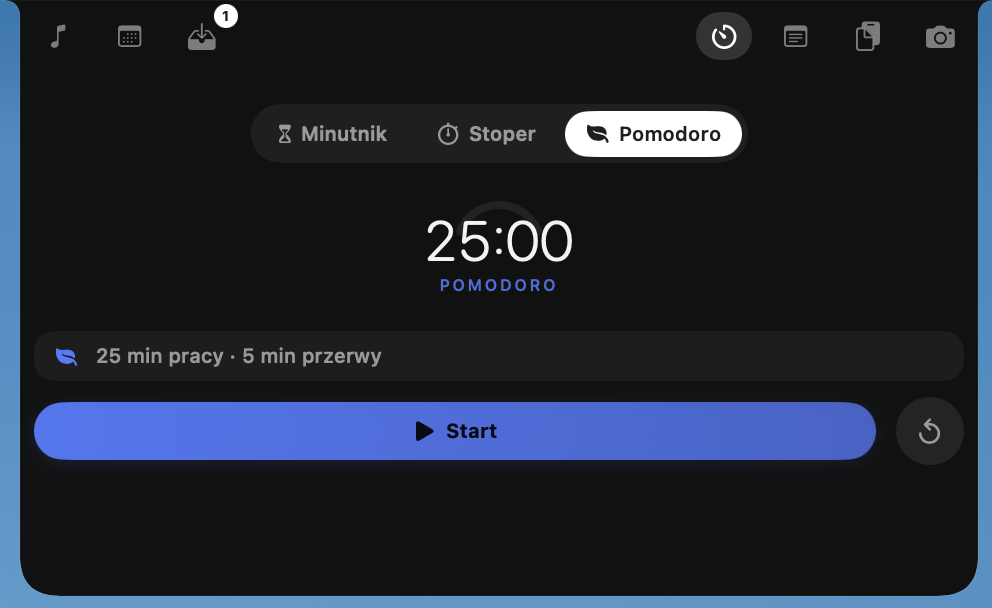
Timer & focus.

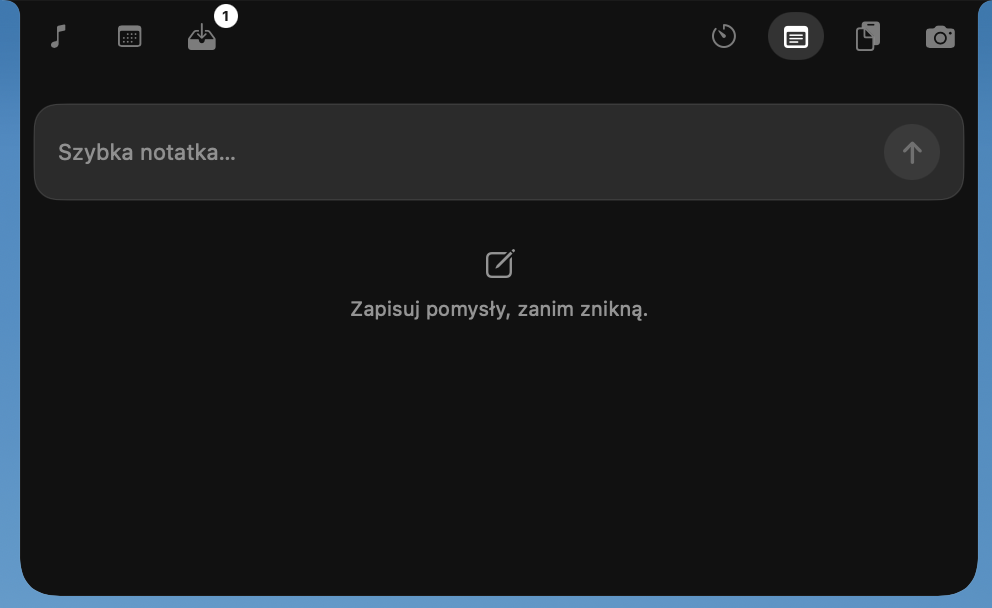
Quick notes.

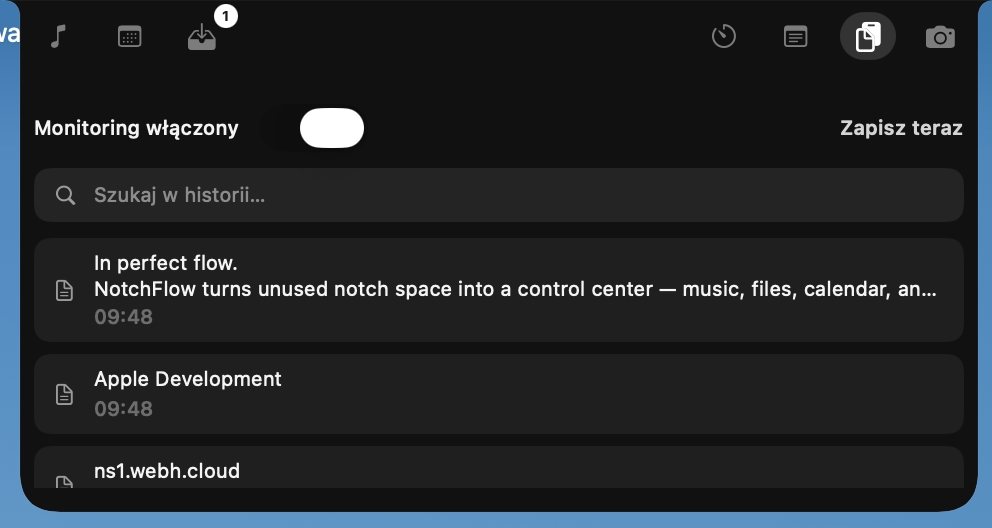
Clipboard history.

Coding agents.

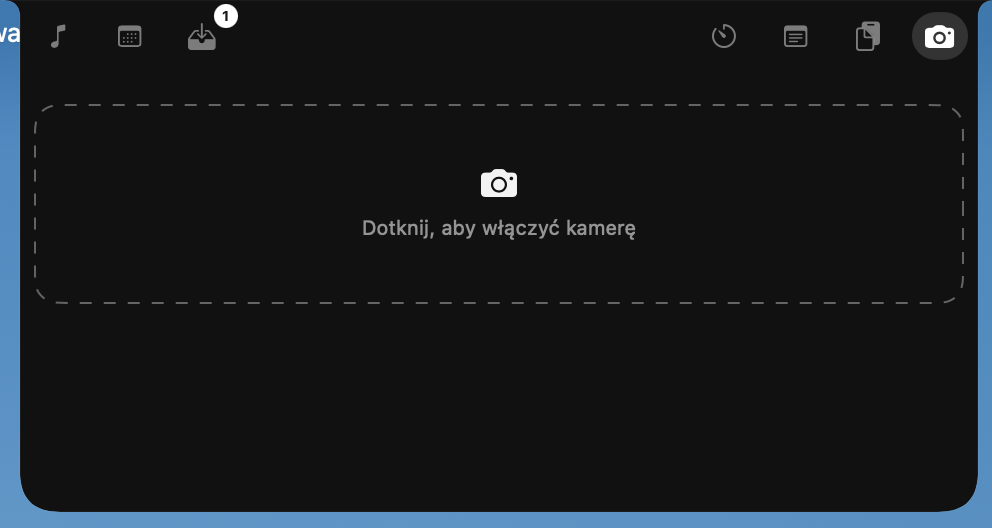
Camera mirror.

Try the island.

Hover the notch to expand — same flow as on your MacBook.

Works in the background. Supports your work.

  • Works on all Spaces — including an external display connected to a notched MacBook
  • Always at hand — just hover your cursor
  • No focus stealing from your active app
  • Smooth animations and native transitions
  • No telemetry — your data stays on your Mac

Light as a feather. Native to the core.

NotchFlow is 100% Swift — it runs all day and your Mac barely notices.

~70 MB

RAM in daily use

Less than a single browser tab — about as much as Spotlight.

<2%

CPU when idle

Sits quietly in the background until you hover the notch.

~0

Energy impact at rest

Battery-friendly all day — verified in Activity Monitor.

100%

Native Swift

No Electron, no webviews — pure macOS, pixel by pixel.

Measured on Jul 14, 2026 in macOS Activity Monitor — MacBook Pro (M5 Pro, 24 GB RAM, 1 TB SSD) during a full-day session. Usage varies with enabled modules.

Open source, privacy-first

Audit the code, build yourself, or use our signed builds with Sparkle updates.

No telemetry

v1.0 collects nothing. Network use is limited to license validation and update checks.

Clipboard opt-in

History is off by default. Enable only when you need it. Data never leaves your Mac.

Local API

Raycast integration binds to 127.0.0.1 only. Bearer token in Keychain.

GPL-3.0

Full source on GitHub. Self-build runs all free-tier features.

Simple pricing

Free forever for core features. Premium unlocks customization and power tools.

Free

€0

  • Full island integration
  • Media, calendar, HUD
  • 5 notes, 5 clipboard entries
  • 1 shelf item
  • Self-build from GitHub
Download

Premium Annual

€12 / year

  • All premium features
  • Updates included
  • License for 2 Macs
Buy annual

FAQ

Which Macs does NotchFlow support?

NotchFlow requires a notched MacBook (macOS 14+, Apple Silicon). With an external display attached, the island follows your cursor — on a screen without a hardware notch it appears as a capsule at the top center. It does not run on Macs without a notch (Mac mini, iMac, Mac Studio, older MacBooks without a cutout) — the app will not launch and shows an alert instead.

Does NotchFlow collect my data?

No. Version 1.0 sends no telemetry. Network is used only for update checks and premium license validation.

Can I build the app myself?

Yes. Source code is on GitHub under GPL-3.0. Self-build runs all free features without restrictions.

What does premium include?

Island customization, lyrics, camera mirror, app notifications in the notch, extended shelf, unlimited notes, and more. See full comparison.

Ready to enter flow?

Open the DMG, drag NotchFlow onto Applications. No Terminal scripts, no quarantine hacks.

Requires macOS 14.0 or later · Signed & notarized · spctl -a -vv /Applications/NotchFlow.app